 Protect your company from a sophisticatedly designed
targeted phishing email.
Features
-
Point 1
- Block attacks using password-protected attachments like Emotet.
-
Point 2
- Compatible with Microsoft 365, Google Workspace, and various other environments.
-
Point 3
- Cloud-based solution for hassle-free, immediate implementation.
Problem
Do you have any of these concerns?
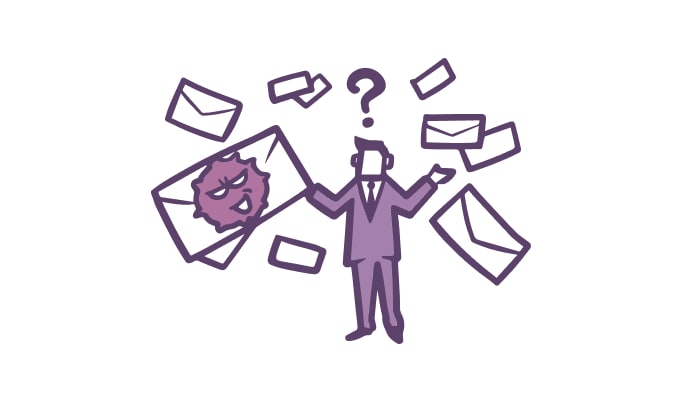
You want field employees to recognize suspicious emails, but it's difficult for them to distinguish them.
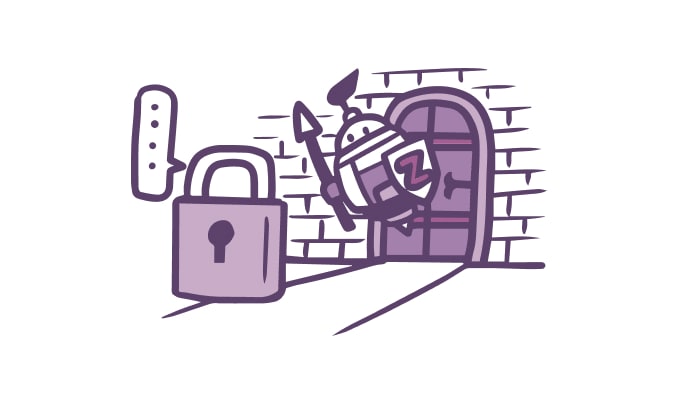
Password-protected attachments make malware detection difficult, so I want to find a way to address this.

It's difficult to adjust and configure policies that balance strict security with ease of use.
Resolution
Active! zone SS solves this!

As sophisticated attack emails become increasingly difficult to prevent solely through systems, it's crucial to choose a service that allows users themselves to perform "visual verification" rather than relying solely on systems. This enables even users with lower IT literacy to recognize potential threats.
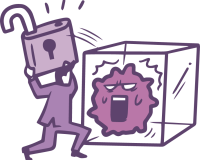
Malware like Emotet often arrives in password-protected attachments, making traditional signature-based antivirus solutions ineffective. We decrypt password-protected attachments to detect and block even newly developed malware embedded within the files.

Each function is collectively called an "Action." Actions are executed only on emails matching predefined conditions, enabling operation with different conditions for each department or team.
Maximizes effectiveness against Emotet!

The widespread malware Emotet often hides inside password-protected Zip files attached to emails, making it undetectable by conventional targeted email attack solutions.
Active! zone SS, when combined with sandboxing technology, can detect and block malware concealed within these password-protected Zip files. Many customers have reported that it provides outstanding protection against Emotet.
Function
6 Effective Features
Against Targeted Email Attacks

Removal of Macros in Attachments
Removes macros with in Removes macros from attachments

Converting Attachments to Images
Display attachments as images in the browser as images in the browser

Attachment separation/download
Attachments are separated from emails and deliver them separately
Display sender's country name
Visualize the delivery country route from global IP information

Convert HTML emails to plain text
Remove tags from HTML emails to convert them to plain text.

Duplicate detection for received emails
Duplicate received emails and and deliver them to another mail server.
Features
Three Key Features of Active! zone SS
01
Visualize threats by leveraging the characteristics of email attacks.Makes email attacks easier to detect even by human eyes
Equipped with a feature displaying country flags to show where emails originated and which country's servers they passed through.
By leveraging the characteristic that email attacks often traverse multiple servers, even employees with lower IT literacy can more easily recognize the threat of email attacks.
Alongside system detection and blocking, displaying signs that can be noticed by the human eye helps avoid email attack risks.
02
Separate attachments from emails.
Download only after verification or sanitization.
Email attachments can be separated from the email and stored within Active! zone SS.
Preview the contents of saved attachments via a one-time URL directly in your browser.
After confirming the contents, you can download them after sanitizing them in multiple ways, such as "as-is," "with macros removed," "converted to images," or "converted to PDF."
Furthermore, password-protected Zip files and Office files can be separated and converted into formats that allow safe access within the browser.
03
Intuitive policy settings interface.
Flexibly adjustable to suit various operational needs
The flowchart-style policy settings screen is designed for clear policy understanding and easy operation.
Additionally, the filtering function allows for granular configuration, enabling flexible adjustments to suit diverse operational needs.
This facilitates detailed adjustments that balance security rigor with employee usability.
Recommended!
What is the Sandbox Plan for stronger Emotet countermeasures?
- What is Sandboxing?
-
A sandbox is a system that runs files in an isolated environment and detects viruses by analyzing their behavior, known as "behavioral detection." In Active! zone SS, files deemed dangerous by the sandbox are prevented from being downloaded by users.
- Maximizing Effectiveness Against Emotet
-
Emotet is delivered via password-protected attachments, making it undetectable by standard sandboxes. The Active! zone SS Sandbox Plan enables decryption and detection.
Flow
Implementation Process

Q&A
Frequently Asked Questions
What can Active! zone SS do for you?
It protects your systems from various inbound threats such as "targeted attack emails," "malware (viruses)," "Emotet," "Iced ID," and "ransomware."
We want to protect employees with lower IT literacy from targeted email attacks...
Active! zone SS incorporates various features designed to be accessible even to those with limited IT literacy. It provides clear, easy-to-notice alerts through features like displaying country flags for email origins and previewing attachments.
Can it be used with Microsoft 365 or Google Workspace?
Yes, it is compatible. It can also be used by customers with email hosting or their own on-premises email server environments.
Can I get help with setup during implementation?
Yes, we can. Please consult with our sales partners or our sales team.
Is there a minimum contract period?
Yes, there is. The minimum contract period for all plans is one year.